Your website is often the first impression a potential customer gets of your business — sometimes before they ever walk through your door or pick up the phone. So when it’s time to build or rebuild that website, one of the biggest decisions you’ll face isn’t about colour schemes or fonts. It’s about who actually builds it.
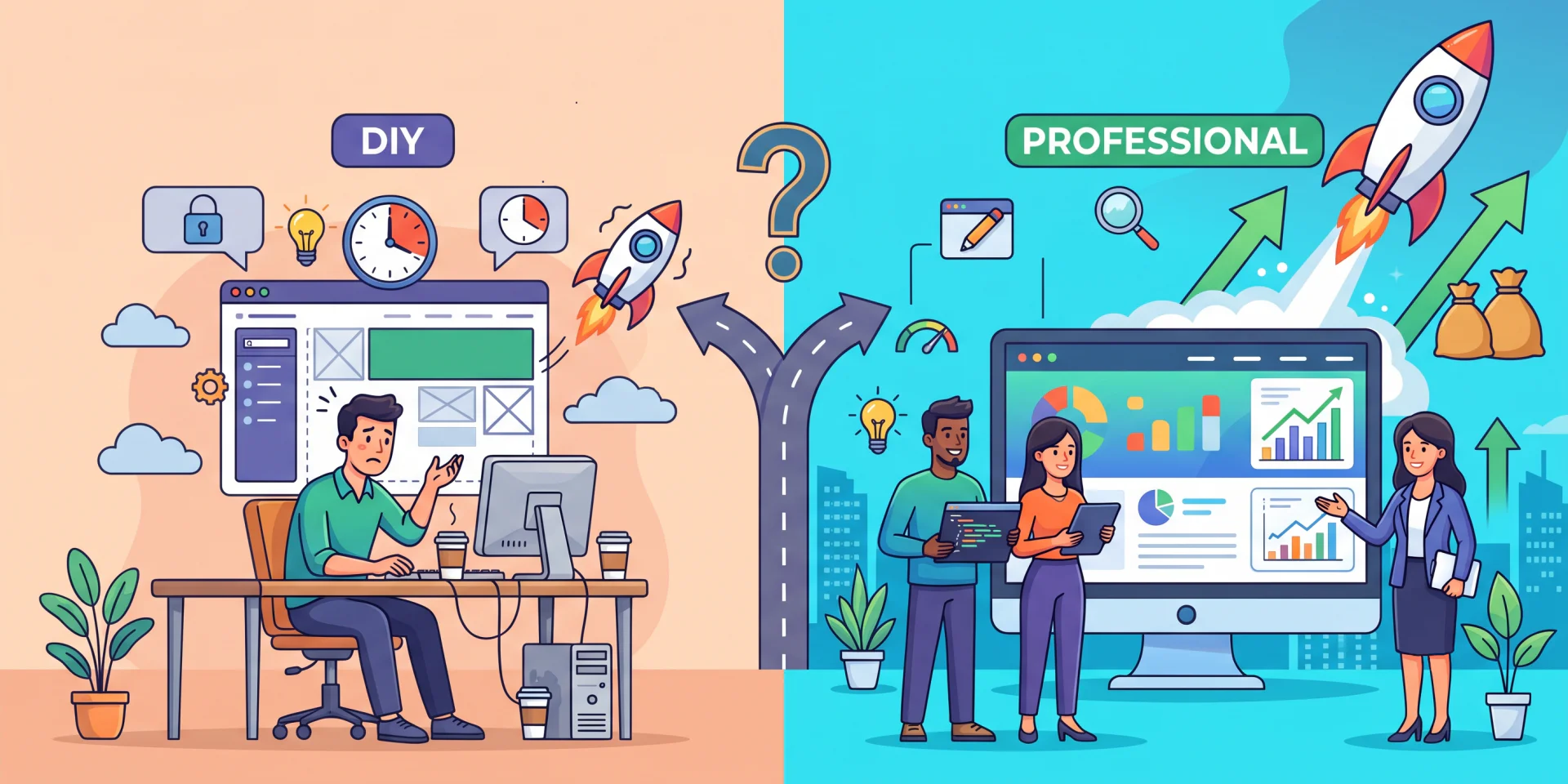
Do you grab a website builder and put it together yourself over a few weekends? Or do you bring in a professional developer to handle it for you? Both paths can get you to a working website — but they get you there very differently, and the right choice depends on your budget, timeline, and long-term goals.
Let’s break down both options.
Option 1: DIY Web Development
Platforms like Wix, Squarespace, and WordPress with drag-and-drop page builders have made it easier than ever for a business owner with zero coding experience to launch a website. Here’s what that route looks like in practice.
The Pros
- Lower upfront cost
Most DIY platforms charge a monthly subscription instead of a one-time project fee, which can feel a lot more manageable for a new or small business. - Fast to get started
You can have a basic site live within a day or two using pre-built templates. - Full control over edits
Want to change the homepage copy at 11pm on a Sunday? You can, without waiting on anyone. - Good for very simple needs
If you just need a digital business card — your hours, location, and a contact form — DIY tools can absolutely get the job done.
The Cons
- Templates only stretch so far
Most builders limit you to their existing layouts and design blocks. Getting something that looks genuinely custom, rather than “obviously built on a template,” takes more design skill than most business owners have time to develop. - Hidden time cost
The subscription might be cheap, but the hours you spend learning the platform, tweaking layouts, and troubleshooting add up — time that isn’t going toward running your business. - SEO and performance gaps
Search engine visibility, page load speed, and mobile responsiveness all depend on technical details that DIY platforms only partially handle for you. Without that knowledge, your site can look fine but still struggle to get found on Google. - Scaling problems
As your business grows — more products, more pages, more integrations (booking systems, payment processing, CRMs) — DIY platforms can start to feel restrictive, and migrating off them later is its own headache.
Option 2: Professional Web Development
Hiring a developer or agency means someone with technical and design expertise builds the site to your specifications — often from the ground up, or using a more flexible platform like custom WordPress development.
The Pros
- Custom design and functionality
A professional can build exactly what your brand needs, rather than fitting your brand into a template’s constraints — custom animations, unique layouts, integrations with the tools you already use. - Technical SEO and performance built in
Professionals bake in the technical fundamentals — clean code, fast load times, proper site structure — that search engines and users both respond to. - Time savings
You hand off the build and get your time back to focus on the parts of your business only you can run. - Room to grow
A professionally built site is generally easier to scale, whether that means adding e-commerce, new service pages, or third-party integrations down the line. - Ongoing support
Many developers offer maintenance packages, so updates, security patches, and troubleshooting don’t fall on you.
The Cons
- Higher upfront investment
Professional development costs more than a DIY subscription, whether it’s a flat project fee or an hourly rate. - Less immediate control
Small changes usually go through your developer rather than happening instantly, unless you’ve set up a system that lets you self-edit certain content. - Requires finding the right fit
Not every developer or agency will understand your industry or vision, so some upfront vetting matters.
So, Which One Is Right for You?
Ask yourself these questions:
- What’s your timeline? Need something live this week? DIY might be your only option. Have a few weeks to plan properly? Professional development opens up more possibilities.
- How complex are your needs? A simple landing page is very different from a site with online booking, e-commerce, or membership logins.
- How much is your time worth? If building the site yourself eats into hours you’d otherwise spend serving clients or growing revenue, the “savings” of DIY may not be real savings.
- How important is first impression to your business? For businesses where trust and polish matter — professional services, hospitality, health and wellness — a custom, professionally built site often pays for itself in credibility alone.
- Will you need to grow the site later? If you’re planning to add features as you scale, building on a solid, professionally developed foundation now can save you a costly rebuild later.
The Bottom Line
DIY web development can be a reasonable starting point for a very simple, low-stakes site, or for a founder who genuinely enjoys the technical side and has time to invest in it. But for most growing businesses, the combination of custom design, technical performance, and time saved makes professional development the stronger long-term investment.
Still not sure which route is right for your business? Triple Dub can help you weigh your options and build a website that actually grows with you — whether that means a custom build from scratch or getting more out of what you already have. Get in touch with Triple Dub and let’s talk about what your site really needs.